
- Individual Key: The individual key for Customer Support role gives Appinion access to the app ratings and reviews only. This is the recommended way to connect.
- Team Key: This gives Appinion Admin access to the account. We only access the ratings and reviews endpoints.
Connect with an Individual key
Update your Customer Support User
If you have an existing Customer Support User that does not currently have access to creating APIs in the App Store Connect account, then an Admin user will need to update their Apple permissions to allow them to generate an API key.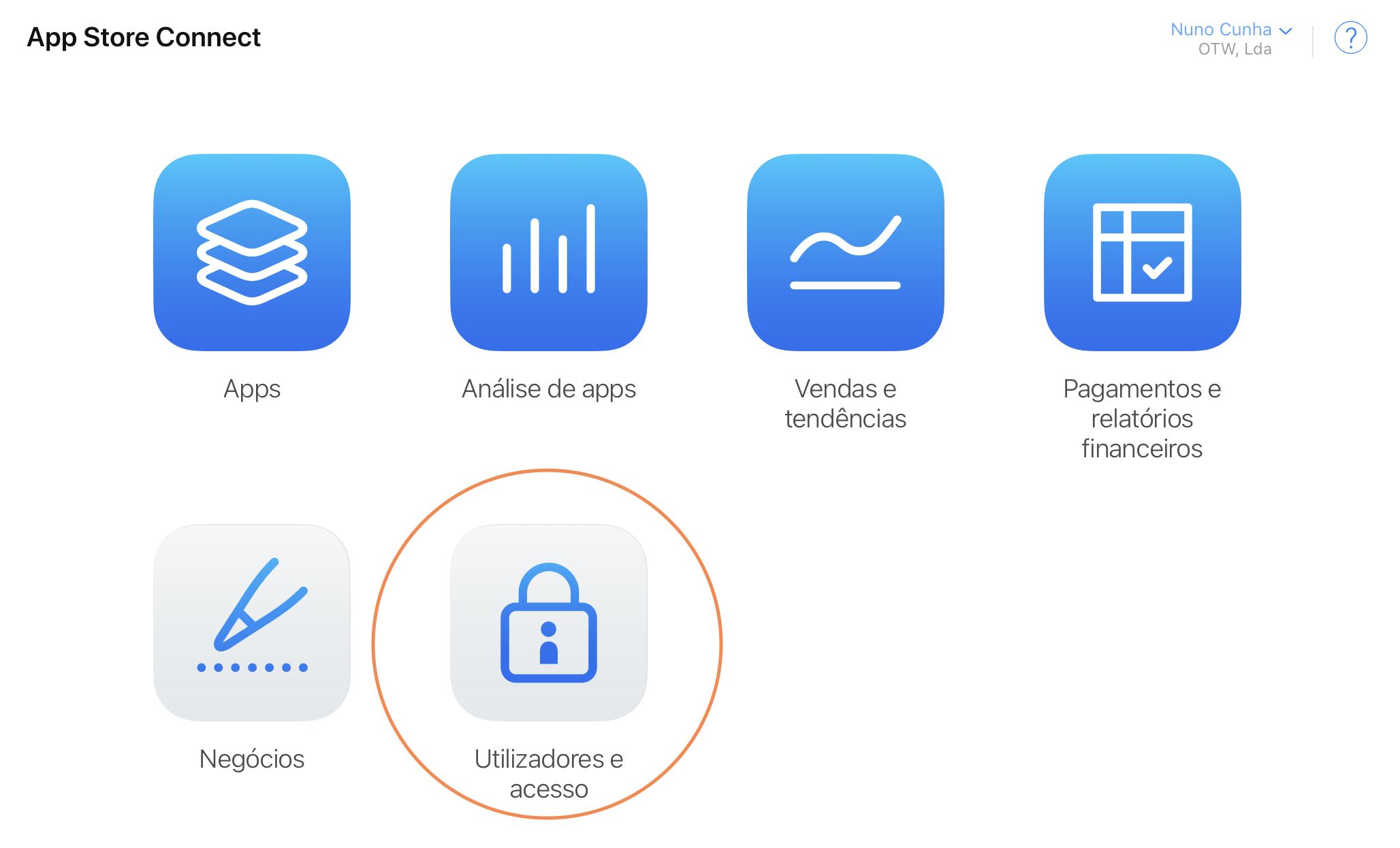
- Select the **People **tab.
- Check the email address of the Customer Support User to enable the API. It will open up the User page.
- Check “Generate Individual API Keys” box.
- Select the **People **tab on the Users and Access page.
- Click the ”+” button on the top of the list
- Fill all the required fields and make sure you check Customer Support and Generate Individual API Keys.